
💡 Tip: This feature is only supported in version V4.1 and above
In the AI Central platform, users can first create a personal Agent or MCP, and after completing configuration and testing, publish it as an organization-level application for convenient sharing and use by team members.
Publishing Agent
-
Create a Personal Agent
In AI Central, users can create a personal Agent through the following three methods:
-
Basic Creation: Start from a blank template and manually configure the agent's name, role, commands, and knowledge sources;
-
Workflow Creation: Use visual process design to link multiple steps into an automated workflow;
-
Share Code Creation: Quickly copy an existing Agent by entering another Agent’s share code.
-
Publish as Organization Agent
Once the personal Agent is fully configured and verified, it can be published to the organization for unified access and management by the team:
-
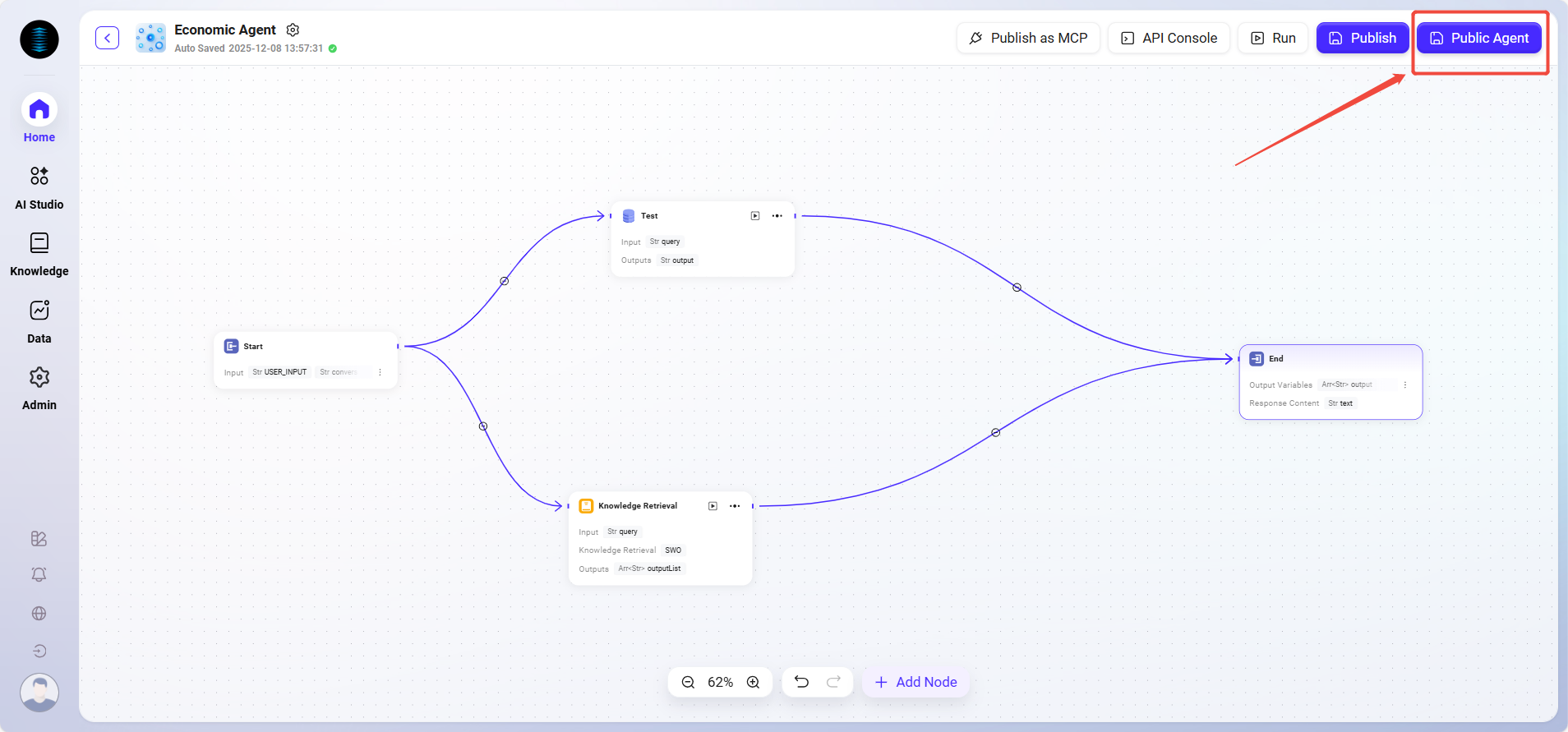
Enter the configuration page of the target Agent;
-
Click the “Publish Agent” button in the upper right corner;
-
The system will prompt for confirmation, and after confirmation, the Agent will become an organization Agent.
-
Permissions and Access Instructions
After the Agent is published to the organization, administrators need to configure access permissions in the backend.
Only authorized members can use the Agent within the organization environment to ensure security and access control.
Typical Use Cases:
-
Publish a personally built sales assistant or data analysis assistant to the entire sales team;
-
Publish an automated approval Agent for shared use by the finance or HR departments.
Publishing MCP
-
Create a Personal MCP
In the personal space, users can create and test a fully functional MCP (Multi-Component Process),
which is typically used to achieve cross-system collaboration or complex automation tasks. -
Publish as Organization MCP
Once the MCP runs stably, it can be published as an organization MCP so that other users can reuse the automated process:
-
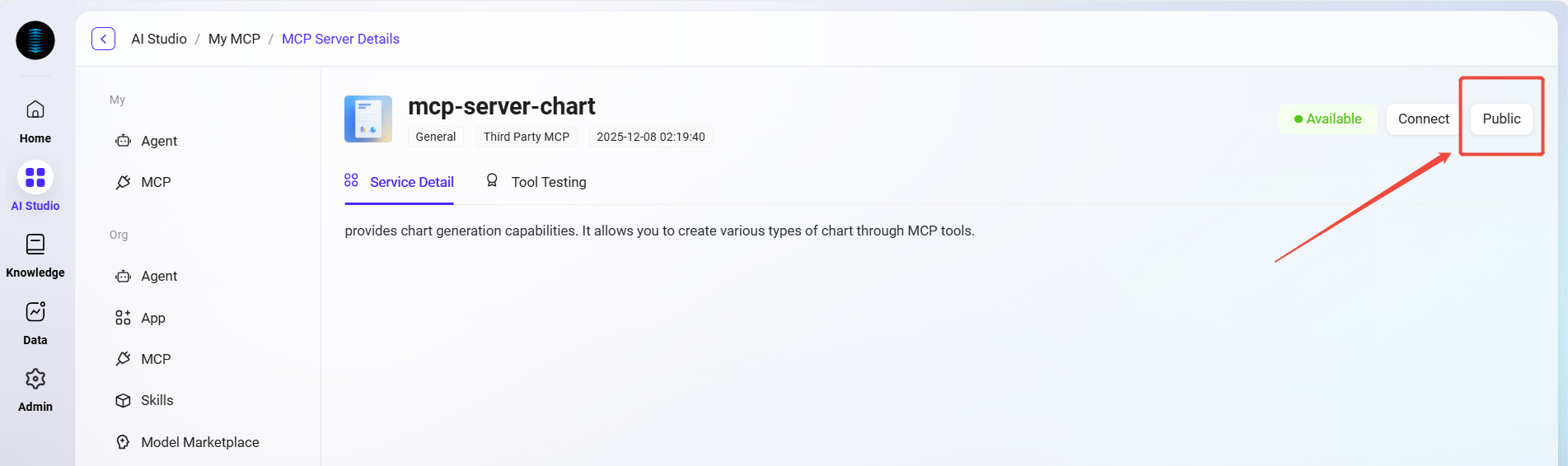
Open the personal MCP page;
-
Click the “Public” button in the upper right corner;
-
After confirming the publish operation, the MCP will be synchronized to the organization side.
-
Permissions and Access Instructions
The published MCP also requires administrators to grant usage permissions.
Administrators can assign access scopes based on departments or user groups to ensure that automated tasks are executed only within compliance boundaries.
Typical Use Cases:
-
Publish automated report generation processes for use by the data department;
-
Publish knowledge synchronization or translation processes for use by the content operations team.
Through the above methods, users can realize a complete process from personal conception to organization-level application in AI Central,
allowing intelligent agents (Agent) and automated processes (MCP) to truly integrate into the enterprise collaboration system and improve overall efficiency.