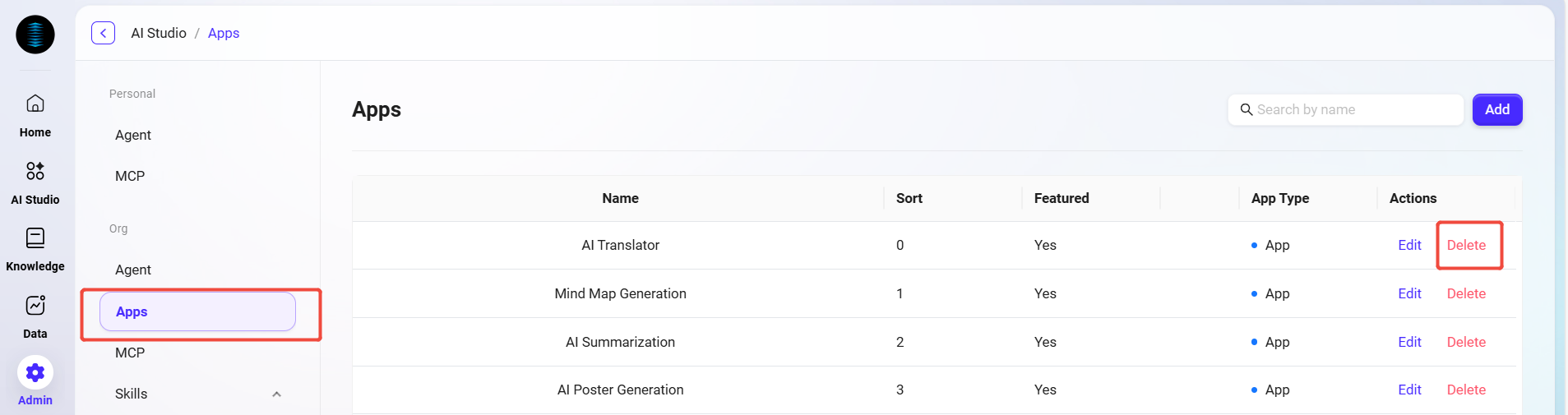
Administrators can manage organization-level applications in the system. These applications are various tools and services integrated into the platform. Through organization-level APP management, administrators can build a unified work portal and toolset.
View APP List
-
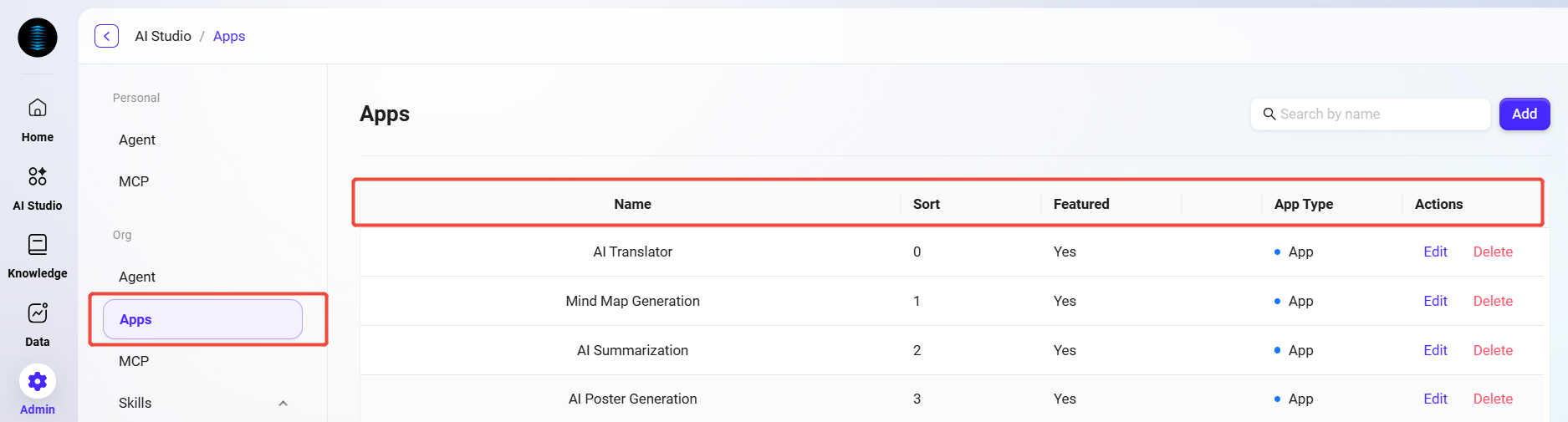
Go to the organization APP management page: Navigate to "Organization Studio -> APP Management".
-
View organization-level APPs: The system will list all organization-level APPs, including information such as each APP’s name, order, whether it is recommended, and application type.
Edit APP
-
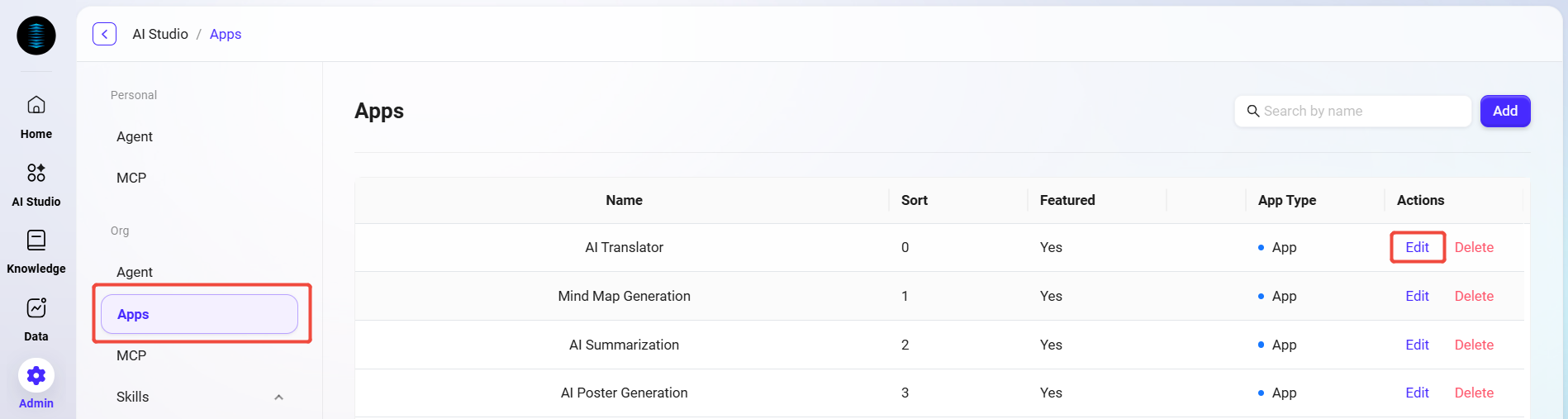
Select the APP to edit: In the organization APP list, select the item that needs to be edited.
-
Click the "Edit" button: Enter the edit page, where the administrator can modify the APP’s basic information, configuration parameters, and display settings.
-
Save changes: After editing is complete, click the "Save" button to update the APP configuration.
Delete APP
-
Select the APP to delete: In the organization APP list, select the item that needs to be deleted.
-
Click the "Delete" button: Click the "Delete" button in the action column.
-
Confirm deletion: The system will display a confirmation dialog box. After confirmation, the APP will be removed from the organization application list.