
This document describes how Enterprise Federated users can login to the Services Portal.
Pre-Requisites
-
Enterprise Federation has been completed by your workplace’s identity provider administrator
Procedure
-
Go to the Services Portal at:
https://portal.softwareone.cloud
-
Enter your email address in the ‘Email address’ field, and hit Continue:
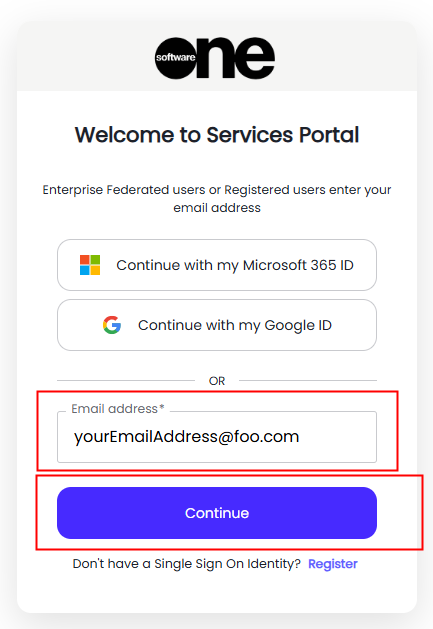
Note the the ‘email’ address' of your workplace identity must match that SoftwareOne has for your account in the Services Portal
-
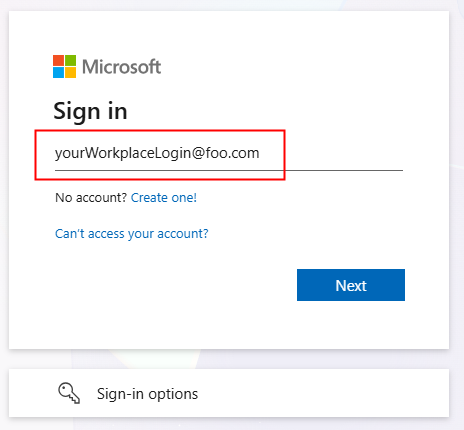
Select your workplace Identity and authenticate
Example logging into a Microsoft workplace Entra.
Your Username usually matches your email address, but not always.
Not that when an Enterprise Federation is in place, SoftwareOne do not manage your identity, so for any password resets or MFA configuration you will need to contact your loca IT Administrators.
For all other issues logging in you can contact support@softwareone.com