
Summary
After creating an Entra Enterprise Application for Enterprise Federation, you may be prompted to approve the access in Entra.
To do that, find the Enterprise Application you created, go to API Permissions and hit “Grant Admin Consent for {yourDomain}” as shown below:
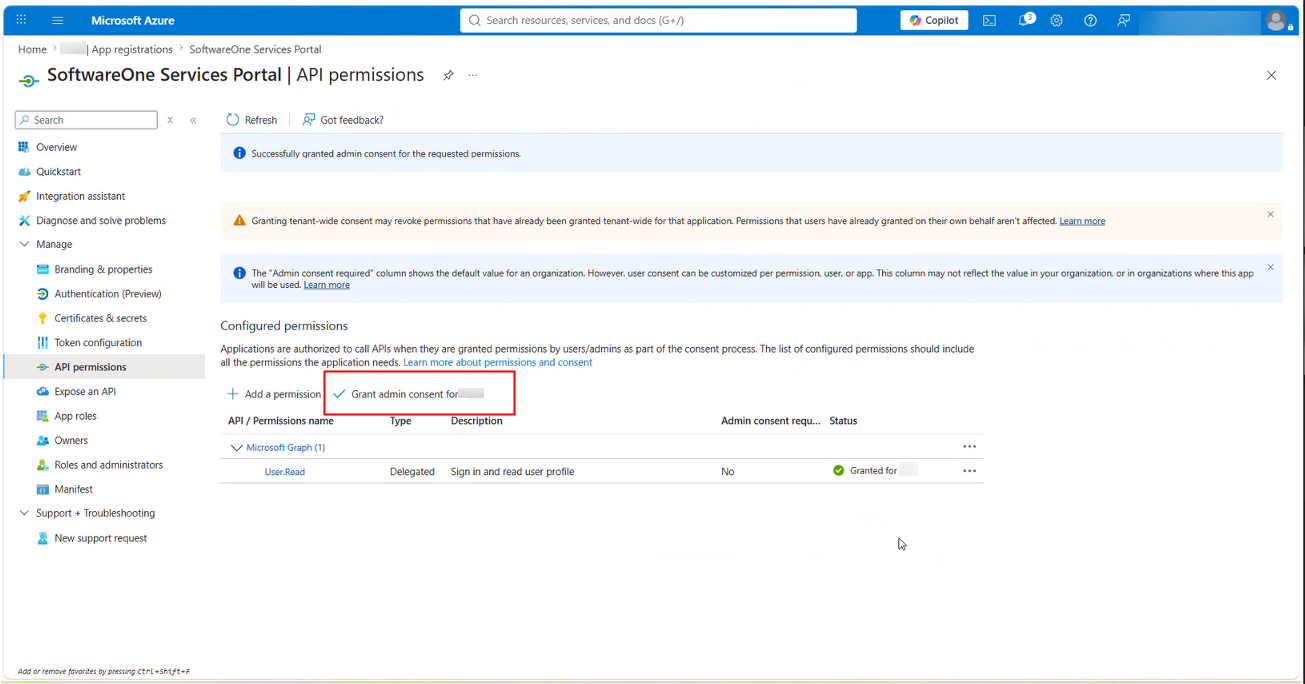
Your users will then be able to login using Enterprise Federation