
You can access the SoftwareOne Services Portal (the SSP) at the following URL:
https://portal.softwareone.cloud
You can choose how to login:
-
Single Sign On with your workplace Microsoft ID
-
Single Sign On with your workplace Google ID
-
Registering a username and password with us
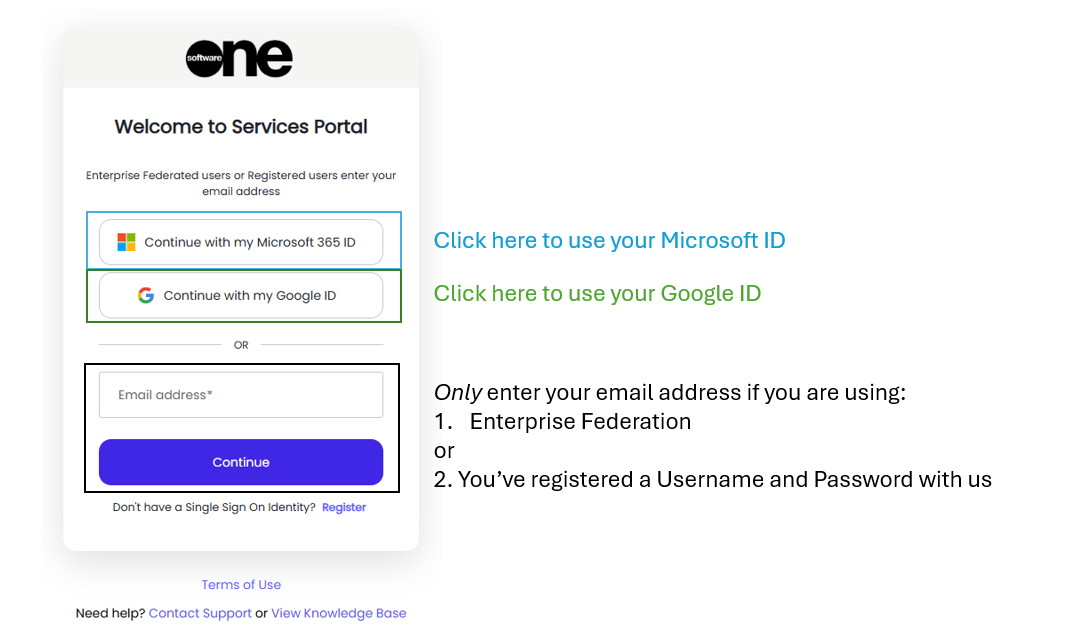
Single Sign On Microsoft and Google:
To use Single Sign On:
-
Choose “Continue with Microsoft” to use your EntraID, aka Azure Active Directory, or your Office 365 identity
-
Choose “Continue with Google” to use your Google Suite or Google Suite.
Single Sign On using Enterprise Federation
The SSP also supports Enterprise Federations.
To setup an Enterprise Federation simply contact us and we’ll be in touch to setup a federation with you. We support a large suite of Identity Provider protocols inc. SAML and OAUTH.
Registering a Username and Password
If you prefer not to use Single Sign On, hit Register and follow the activation steps to register a username and password with us.
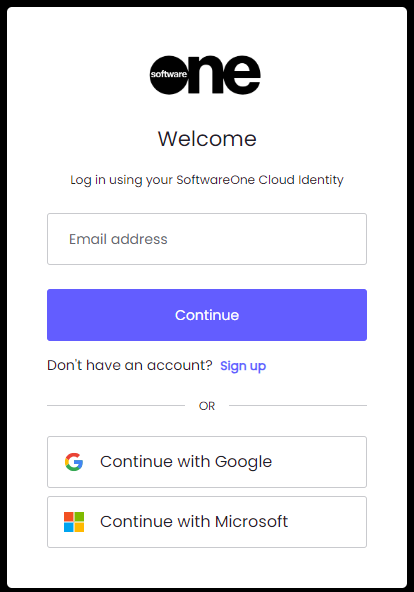
When you register you must choose a password that meets the following requirements
-
Minimum of 8 characters
-
No more than 2 identical characters in a row
-
Must include at least three of the following:
-
Lower case (a-z)
-
Upper case (A-Z)
-
numbers (0-9)
-
Special Characters (!@#$%^&*)
-
-
Multi-Factor authentication is mandatory for customers that have Registered with us, and you will be asked to configure an MFA device
After logging in you’ll be presented with a view similar to the following:
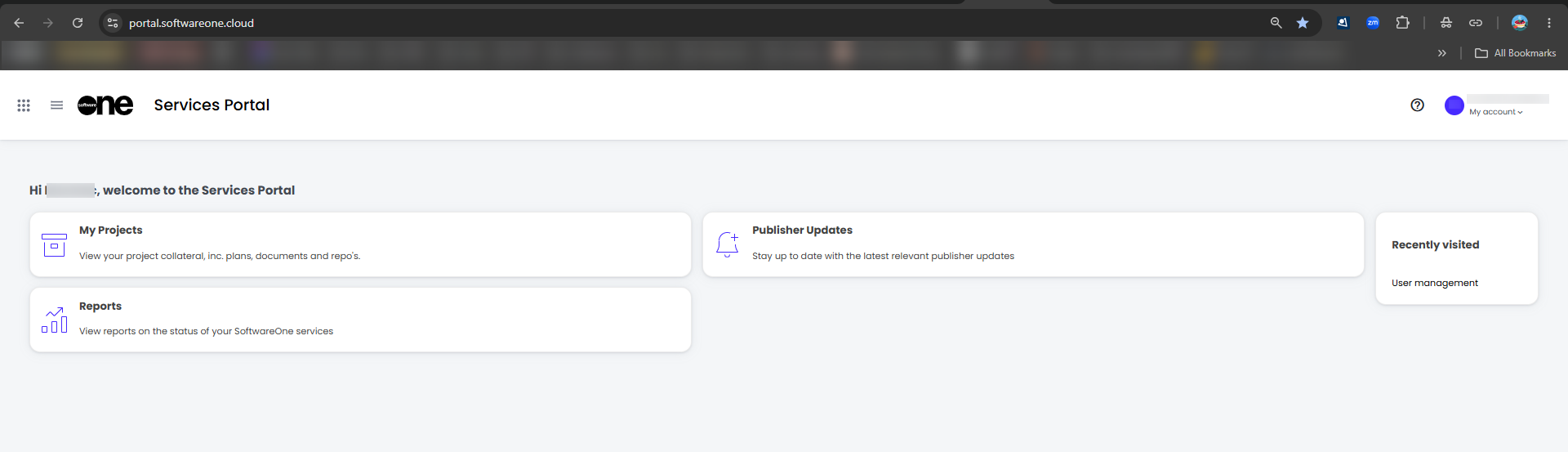
The Tiles that are shown are relevant to the Services you have subscribed to with SoftwareOne.
For more information please check our other pages