
This article explains the usage of the Server Quarantine section of the platform.
The server quarantine page is located here:
Portfolio (Tab) - Servers (Drop Down) - Server Quarantine (Sidebar)
Server quarantine is used in cases where you exceed your licensed number of servers on the account. You will received a notification for this if you ever surpass your licensed limit.
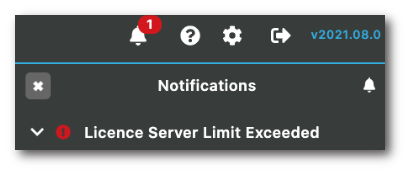
Once you receive this notification, you have a few options available to you.
-
Contact AppScore to up your license limit, this may incur costs for additional licenses.
-
Delete unwanted servers from the server inventory page and transfer servers from the quarantine area to the server inventory. See our server import page.